
Embeddable messaging widget
Your users can already see the bug. Let them show you.
Paste one script tag. A launcher appears in the corner of your app, and every message arrives with the screenshot, the console output, and the page it came from already attached.
14 days free. No card until you decide.
<script
  src="https://cdn.tinybugreport.com/widget/v1/tinybugreport.js"
  data-site-key="YOUR_SITE_KEY"
  data-user-id="YOUR_USER_ID"
  data-user-email="jane@example.com"
  defer></script>
How it works
Three steps, and the third is the one that matters.
- 01
Paste the tag
One script tag, before the closing body tag. No build step, no package to install, and it works on any page you can edit.
- 02
Someone hits a problem
They press the launcher and type what happened. The screenshot, the console output, the browser, and the page they were on are attached without them being asked. Up to 5 files, 5MB each.
- 03
You reply, they see it
The message lands in your inbox and in Slack. Reply from the dashboard and it appears in the widget where they filed it, so the conversation stays in one place.
The widget
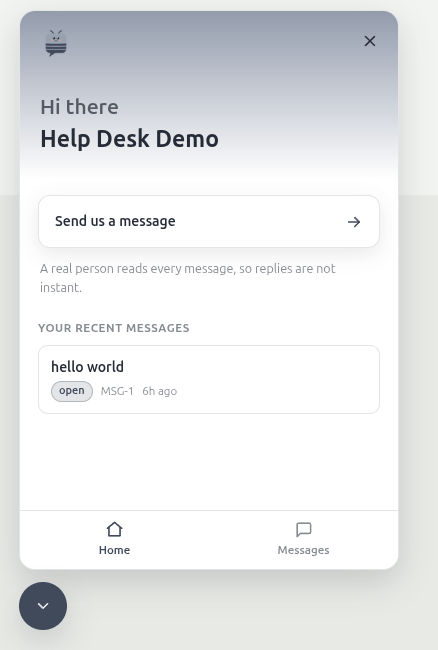
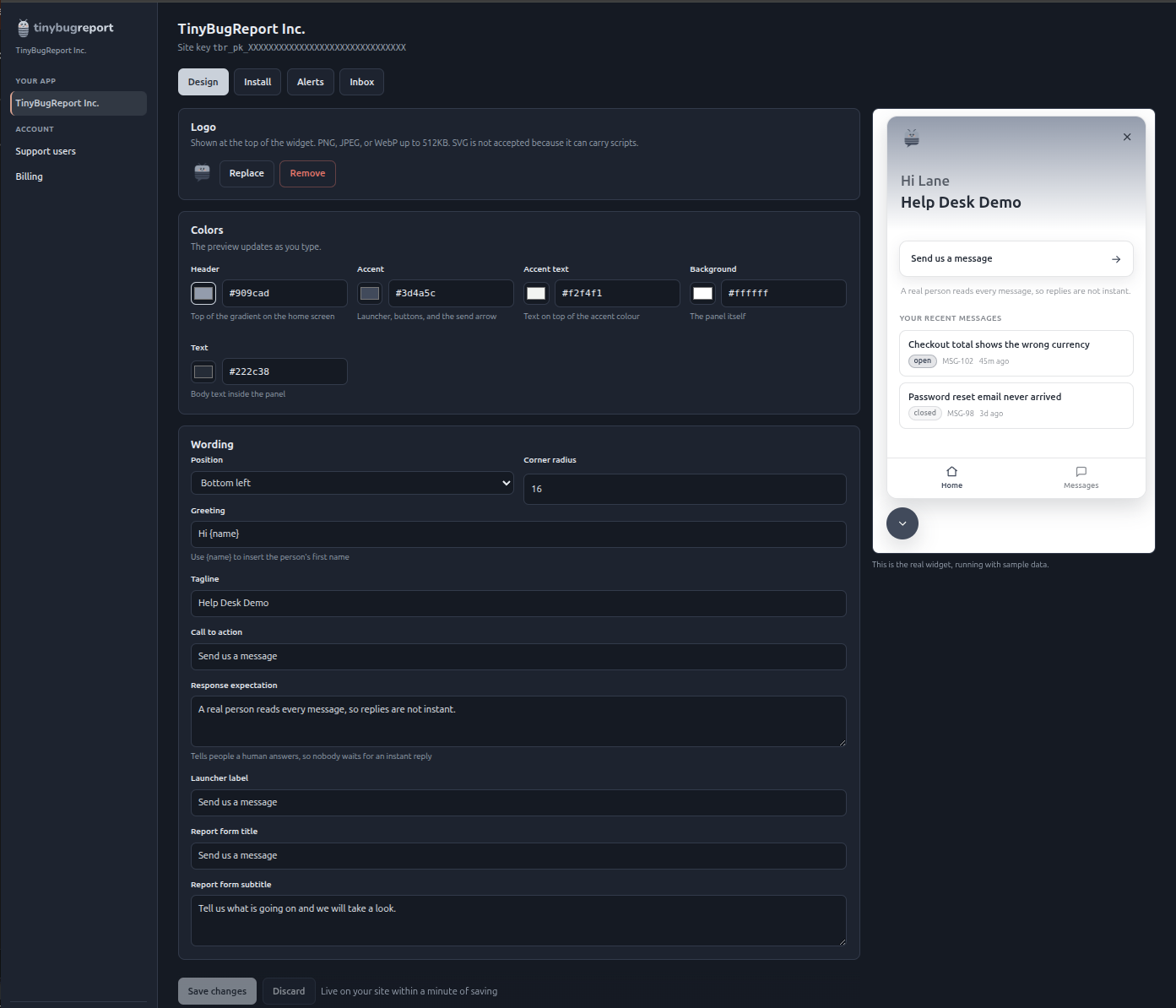
It wears your brand, not ours.
The launcher sits in the corner of your app and opens onto the person's own history, so a reply lands where they filed it rather than in an inbox they have to go and find.
What arrives with it
The details you would have had to ask for.
Most of a bug report is asking what browser they were on and what the screen looked like. That part is filled in before the message is sent.
- Screenshot
- Attached by the person reporting, cropped to what they saw.
- Console output
- The errors already logged when they pressed send.
- Page and host
- Which URL, and which of your sites it came from.
- Browser and viewport
- The things you would otherwise have to ask for.
Pricing
One price, up to 4 app domains.
Priced for small and mid-size apps. Not per seat and not per message. One subscription covers up to 4 app domains, so a second product does not mean a second bill.
Coming soon Mobile widgets, for iOS and Android apps